





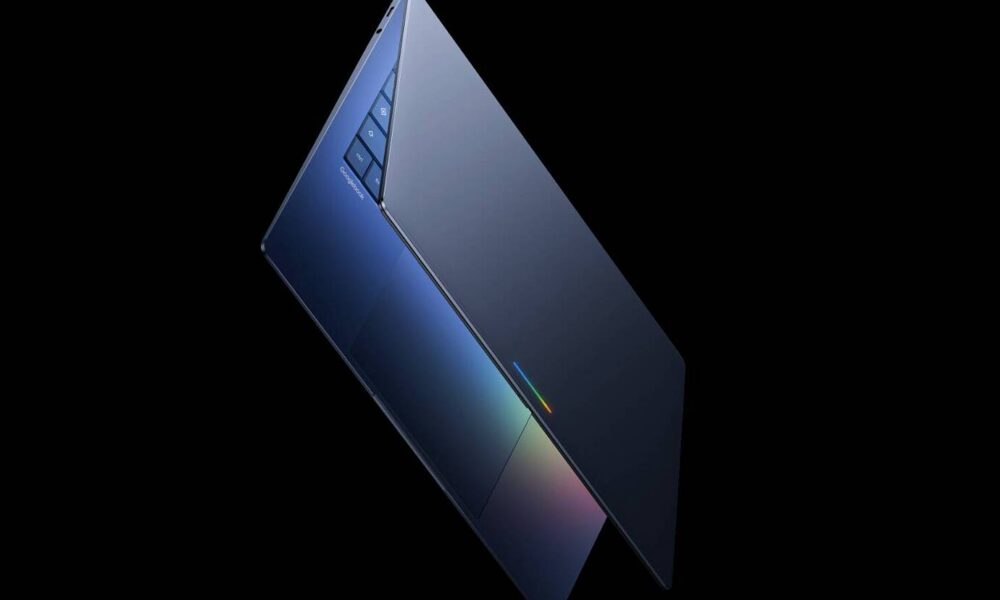
Google has officially presented the Googlebook on May 12, 2026, a new category of laptops built on Android and natively powered by Gemini Intelligence. Here's what we know so far.
The announcement came during The Android Show I/O Edition, and it marks a clear break from fifteen years of Chromebooks. Google isn't just putting Android on a bigger screen: the company is offering a completely reimagined vision of the laptop, where artificial intelligence is no longer an added layer, but the fundamental design principle. "We see an opportunity to rethink laptops," said Alex Kuscher, Senior Director, Laptops & Tablets, in an official press release published on The Keyword on May 12, 2026. (We see an opportunity to rethink laptops again.)
An OS that doesn't say its name
Google has built Googlebooks on the Android technology stack, combined with the strengths of ChromeOS, particularly the Chrome browser. The result is a hybrid platform that, while not officially named, closely corresponds to the Aluminium OS project, elements of which had leaked in recent months. The company does not confirm this marketing name, but it fully embraces the convergence: apps from the Google Play Store, the Android ecosystem, and an AI-designed operating system coexist on the same device.
This architectural choice is important. Unlike Chromebooks, which were based on Chrome and the web, Googlebooks rely on an already massive native application ecosystem. Developers don't need to adapt their apps specifically for this format: if an app runs on Android 17, it works on a Googlebook.
Gemini at the heart of every interaction
Magic Pointer, or the reinvented cursor
The most spectacular feature announced by Google is the Magic Pointer, designed in collaboration with the Google DeepMind team. It's a cursor enhanced by Gemini, capable of analyzing the context of what the user points to on the screen and displaying relevant action suggestions. Pointing to a date in an email directly suggests creating an event in the calendar. Selecting two images, for example, a photo of one's living room and a sofa spotted online, allows visualizing the two together in a few clicks. It's the same principle as Circle to Search on Android, but extended to the entire workspace.
Create Your Widget: the personalized desktop through conversation
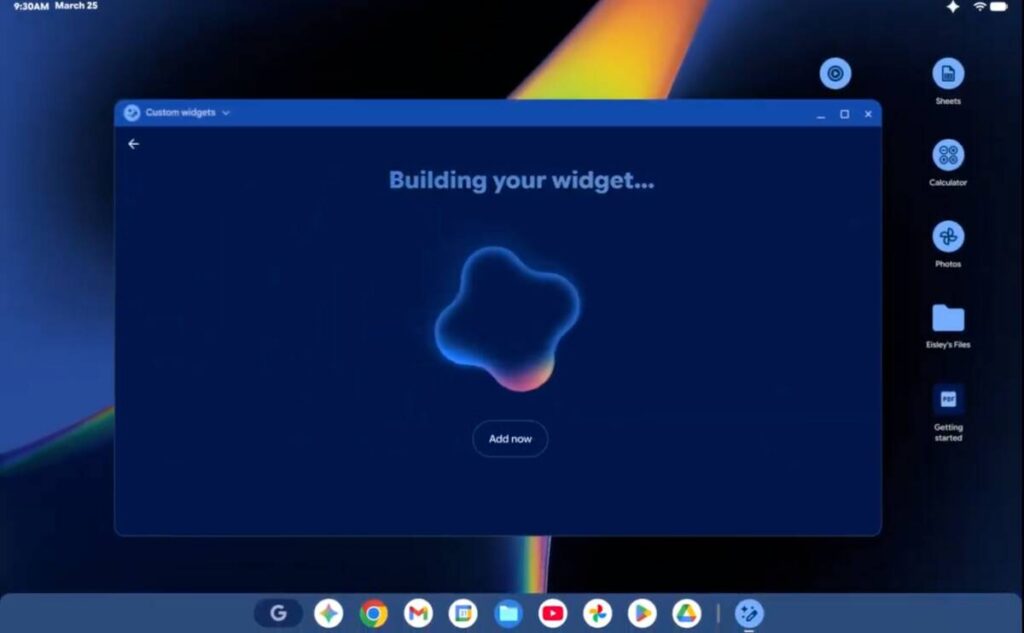
Google is also introducing Create Your Widget on Googlebooks. This feature, already announced for Pixel and Samsung phones this year, allows the user to describe in natural language the widget they want to appear on their desktop. Gemini can then connect Gmail, Google Calendar, and web sources to build a personalized dashboard. Google illustrates the use case of a family trip to Berlin: the AI can group flight, hotel, and restaurant information, along with a countdown, into a single coherent space on the desktop.
The Android ecosystem as a competitive advantage
This is perhaps where Googlebooks most clearly distinguish themselves from Windows or macOS alternatives. Integration with the Android phone is conceived as a natural extension of mobile usage, not as a secondary connection.
The Cast My Apps feature allows users toAndroid 17 access their phone's applications with one click directly on the Googlebook screen. The principle is reminiscent of iPhone Mirroring on Mac: no additional downloads are necessary, phone applications run from the laptop without interrupting the workflow. Google gives the example of ordering food via a mobile app during a work session: the user doesn't need to pick up their phone, they can do it from their Googlebook and immediately resume what they were doing.
The Quick Access feature complements this system by making phone files accessible directly from the Googlebook's file manager. Searching, viewing, downloading: everything is done without cables or manual transfers.
Carefully selected manufacturers, but notable absences
Google has confirmed five partners for the first Googlebooks: Acer, ASUS, Dell, HP, and Lenovo. These names cover a wide spectrum of the market, from general consumers to businesses. However, Samsung is absent from this first wave, which is surprising given the brand's weight in the Android ecosystem. Unofficial information suggests that Samsung is preparing its own version compatible with the Googlebook standard, but no official confirmation has been made at this stage.
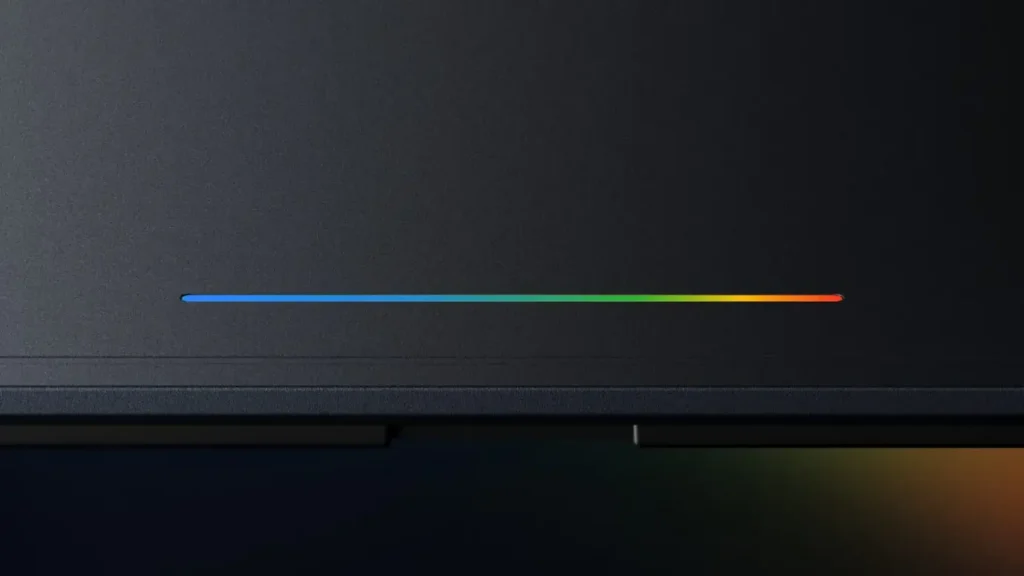
Google indicates that all Googlebooks will be manufactured with premium quality materials and will be available in different formats. One design element will visually distinguish them: the glowbar, a functional light bar that serves as both a status indicator and an aesthetic signature for the category. Google specifies that this element is "both functional and beautiful," without detailing all its functions yet.
No information on processors, RAM, battery life, or prices has been communicated yet. Availability is expected for fall 2026.
And Chromebooks in all this?
The question was inevitable, and Google addressed it unambiguously on one specific point. The company confirmed that it will continue to support existing Chromebooks for their entire planned lifespan, which is ten years. What Google did not confirm, however, is whether new Chromebooks will be launched in the future. The wording chosen is deliberately cautious: support for current devices is guaranteed, but the future of the lineup remains open.
This maintained ambiguity probably signals that the Googlebook is intended to take over. Chromebooks were designed for a cloud-first world. Googlebooks are designed for a world where AI is the primary interface. The paradigm shift is real.
Googlebooks represent the culmination of a merger that has been anticipated for several years between Android and ChromeOS. The combination of the Magic Pointer, Cast My Apps, and Gemini integration outlines a laptop that aims to be the natural extension of your Android phone, with ambitions clearly focused on AI-driven productivity. Hardware details and prices will be decisive in evaluating whether Google can truly challenge Windows in the premium segment. While waiting for the fall 2026 announcements, you can follow the latest information on googlebook.com.


No comments yet — start the discussion!