




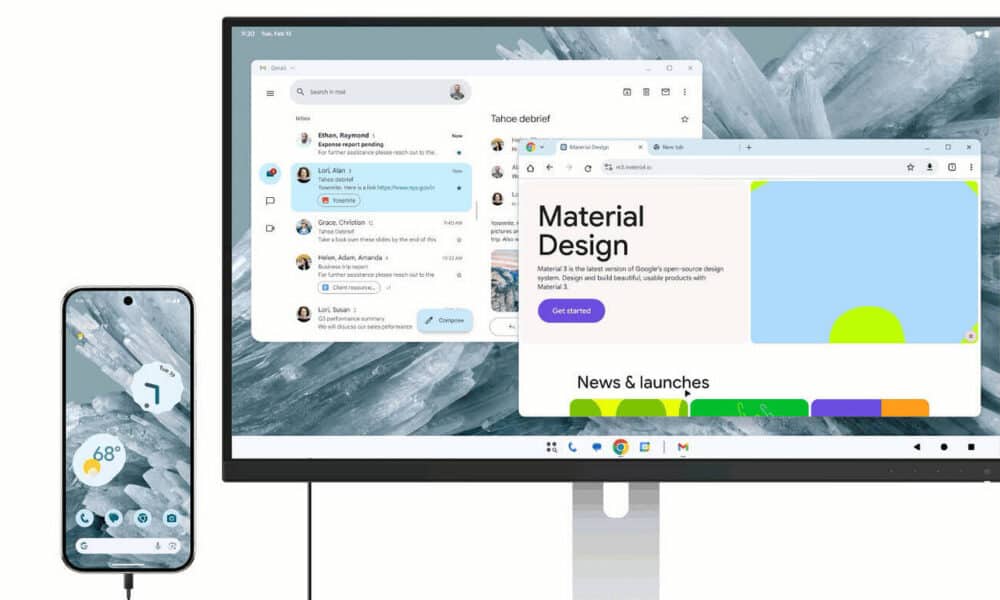
Google activates the Android desktop mode on Pixel 8 and later devices with the March 2026 Pixel Drop. Connected via USB-C to an external display, they offer a full multi-window interface with mouse and keyboard support.
A gap filled after years of waiting
For years, Android has been criticized for its lack of adaptability to productive uses on a large screen. Samsung had partially filled this gap with Samsung DeX, launched in 2017 on the Galaxy S8, offering a complete desktop environment upon connection to an external monitor. Google, on its end, had never offered a native equivalent for its own Pixel devices, leaving its users to turn to Chrome OS or third-party solutions.
With the March 2026 Pixel Drop, this situation is changing. The functionality is no longer a prototype or a developer-only option: it is being rolled out in a stable version for all users of Pixel 8 and newer models.
What desktop mode actually offers
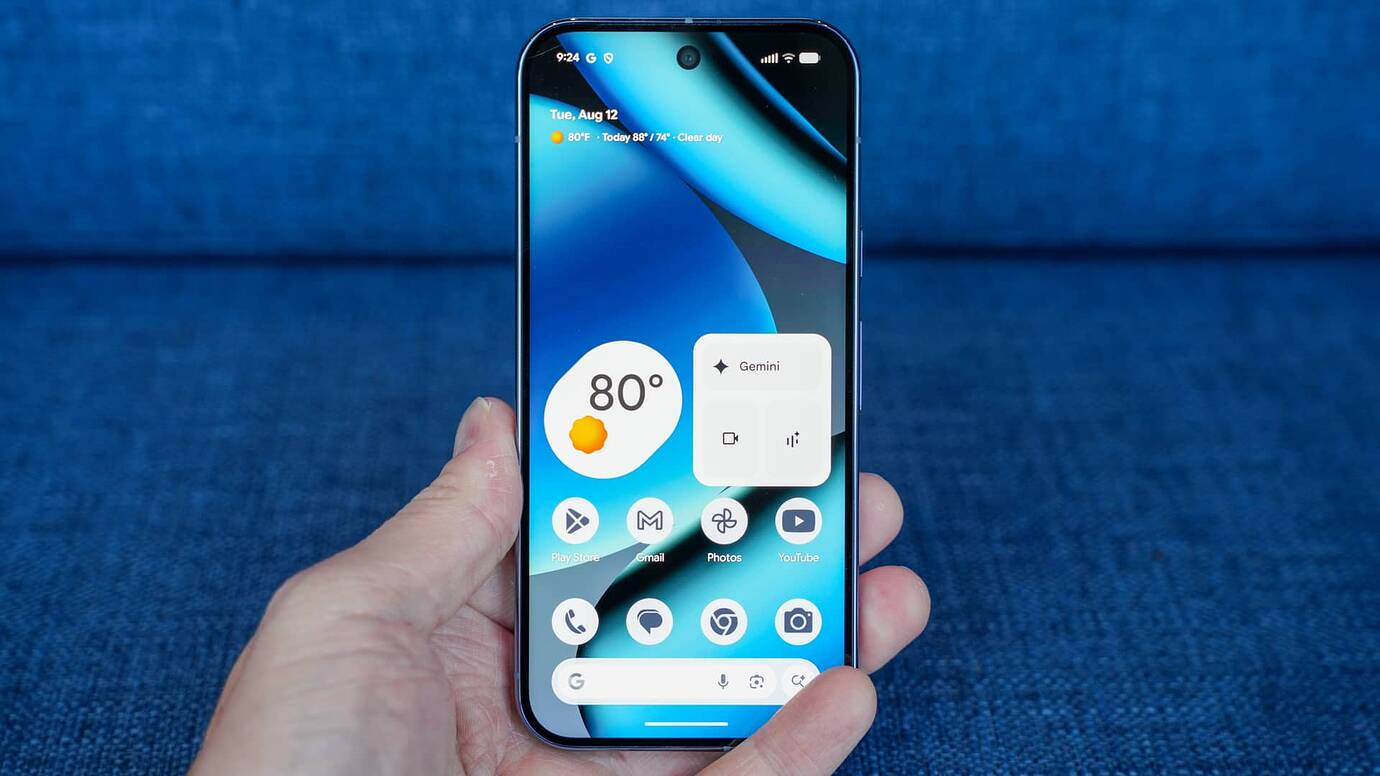
The central idea is simple: connect your Pixel to an external monitor via a USB-C cable to get a true desktop environment. Once plugged in, the device projects an independent display on the monitor, with a taskbar, resizable app windows, and a familiar interface. Google describes this experience as "a desktop-like multi-window experience" (a desktop-like multi-window experience).
One technical point deserves to be highlighted: the desktop mode works via a virtual display virtual display projected on the external monitor, while the phone's main screen remains fully usable in parallel. This architecture, confirmed by Google at Google I/O in May 2025, clearly distinguishes this mode from simple screen mirroring. The user can thus continue to use their phone for other tasks while applications run on the external display.
Support for a mouse and keyboard, wired or Bluetooth, is included from launch, making navigation within apps and text input as natural as with a conventional computer.
Compatibility: which devices are concerned
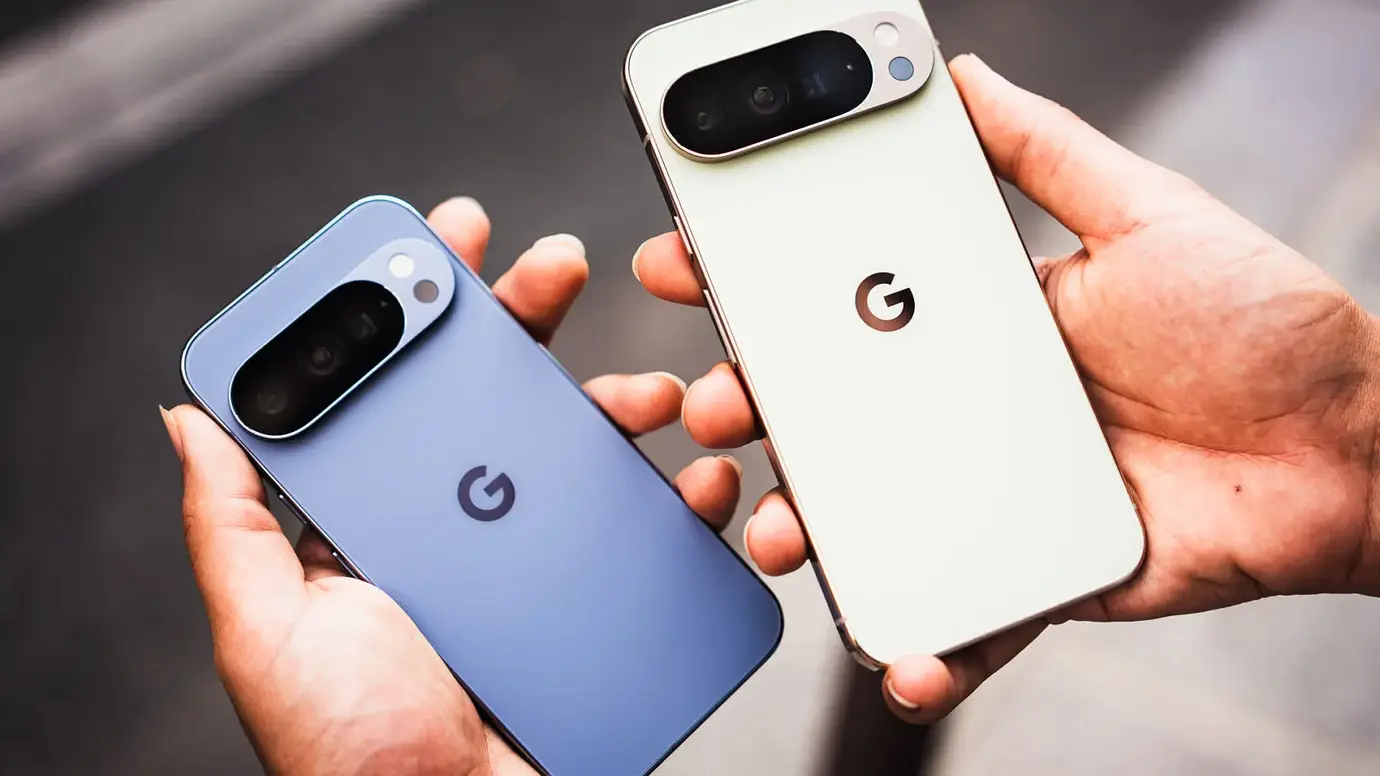
Android's desktop mode is available on the Pixel 8 and later models, including the Pixel 9, 9 Pro, 9 Pro Fold, and Pixel 10 Pro Fold. Connection to an external screen is mandatory via USB-C, which excludes older Pixels that do not have sufficient video output on this port.
| Device | Desktop mode (external screen) | Native windowing |
|---|---|---|
| Pixel 8 / 8 Pro | Yes, via USB-C | No |
| Pixel 9 / 9 Pro / 9 Pro XL | Yes, via USB-C | No |
| Pixel 9 Pro Fold | Yes, via USB-C | No |
| Pixel 10 Pro Fold | Yes, via USB-C | No |
| Pixel Tablet | Yes, native | Yes |
Models prior to the Pixel 8 are not supported. Google had disabled this functionality at the kernel level on the first generations of Pixel, a decision that was interpreted at the time as a way to favor the use of Chromecasts.
The Pixel Tablet, a special treatment
The Pixel Tablet benefits from distinct treatment in this update. In addition to external screen desktop mode support, it receives a feature for floating window management directly on its own screen. Google describes this interface as 'a familiar interface for arranging and resizing overlapping windows).
In practice, applications no longer display solely in full-screen or fixed split-screen, but in floating windows that the user can move and resize freely. This approach already existed in the beta versions of Android 16 since June 2025, but it now reaches the stability needed for a public release.
Google's tablet thus finds itself in a hybrid position: a portable device for daily use, and a productive workstation as soon as the situation demands it. This is precisely the positioning that Google seeks to defend against Apple's iPad and Samsung tablets, which have benefited from this flexibility for longer.
A convergence built with Samsung
The Android desktop mode project was not undertaken by Google alone. In May 2025, during Google I/O, Google announced a collaboration with Samsung to improve Samsung DeX and lay the groundwork for a common desktop experience for Android. This cooperation resulted in a shared standard, integrated into Android 16 QPR3, the quarterly version that marks the general availability of the feature, according to Business Standard.
DeX's influence is visible in the design of the native desktop mode: a taskbar at the bottom of the screen, pinned applications, and manageable windows like on a desktop operating system. Some users who tested the beta version, however, noted that the experience had not yet reached DeX's maturity, particularly regarding the compatibility of certain third-party applications with input peripherals. Samsung had eight years to refine DeX since its launch in 2017; Google starts with a solid technical foundation but will need to close this gap with future updates.
The beta phase was opened as early as June 2025 for Pixel 8 users wishing to enable the developer options, offering several months of field feedback before the stable release in March 2026. Android's desktop mode marks a new step in Google's strategy to make Android competitive in productive uses. The quality of the experience will henceforth depend largely on the adaptation of application developers, a challenge that Google will have to actively support for this feature to fulfill all its promises.

No comments yet — start the discussion!